The short answer
A virtual tour can help prospects understand a rental before visiting, especially when they are remote. It should accurately show the available unit and supplement clear photos and written terms.
On this page
Show the route through the home
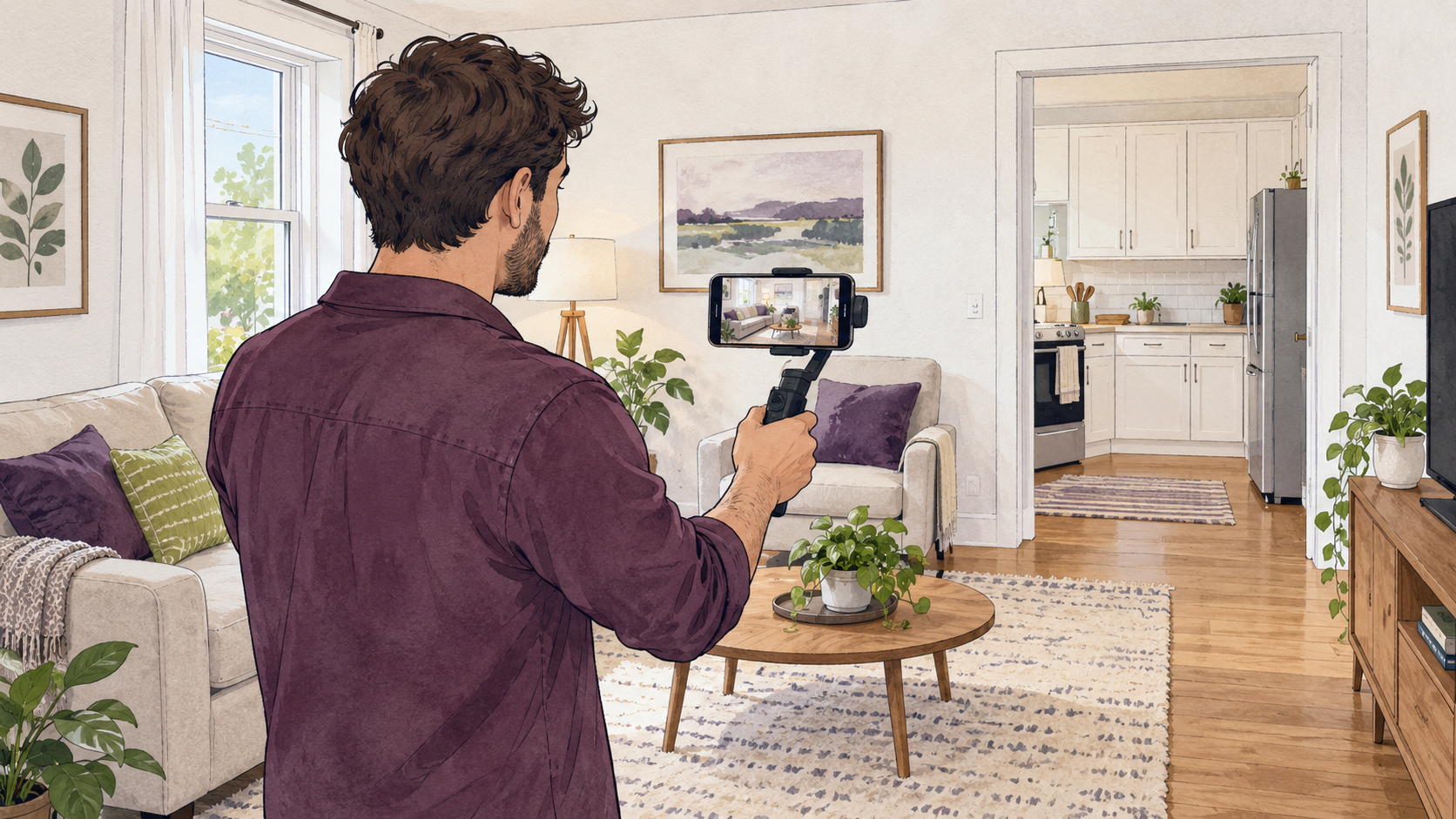
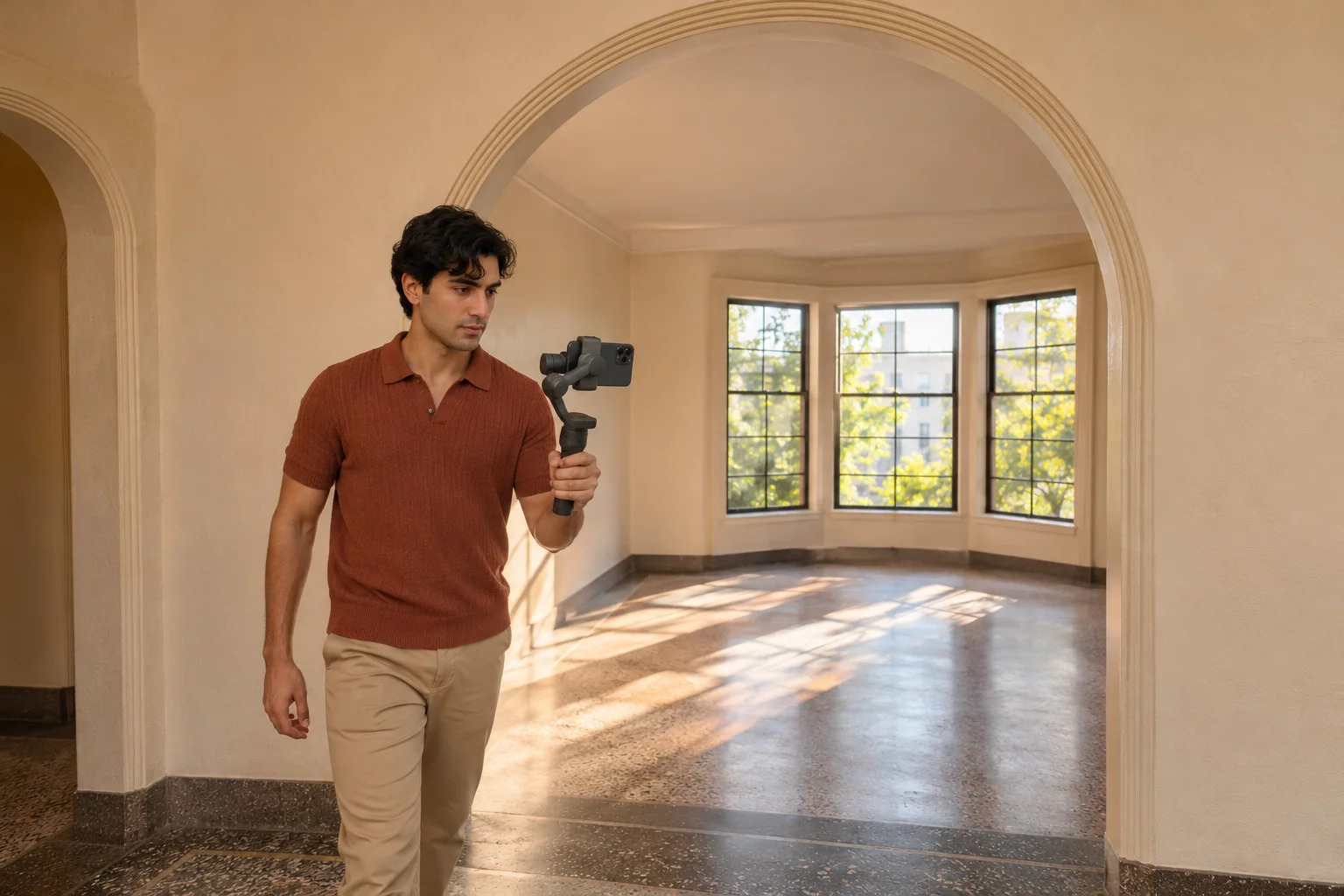
Start at the entrance and move through the rooms in a logical order. Include important features and give viewers time to see the space. Avoid excessive camera movement or music that makes spoken information hard to follow.
Make the tour usable
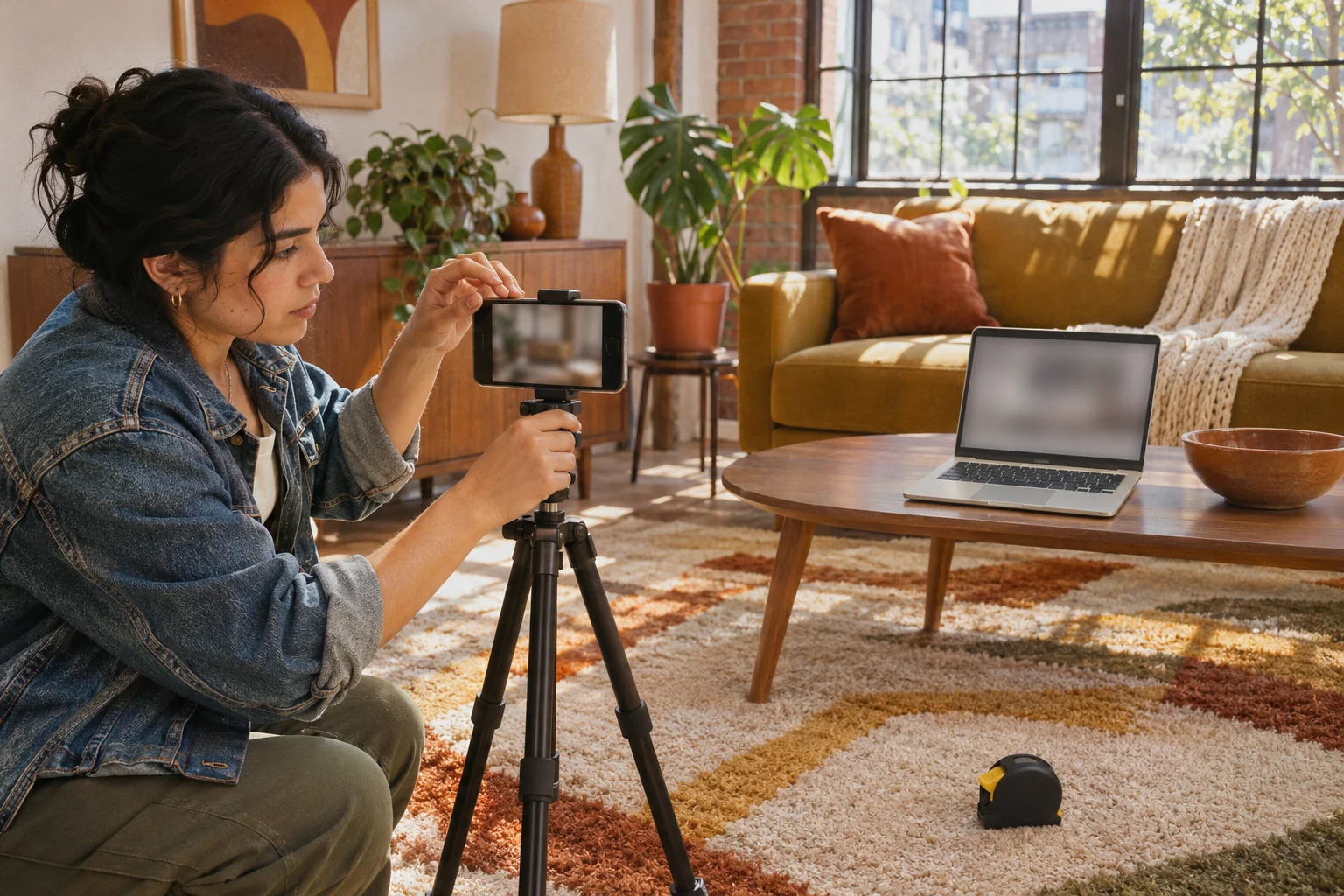
Add captions or a written description when useful. Test the link without signing in, on a phone and with the sound off. State if the tour is of a model unit or if material conditions have changed since recording.
Protect privacy and access
Remove private information from view and obtain appropriate permission when the unit is occupied. Avoid exposing alarm codes or key-storage details. Offer a clear way to ask questions and arrange an appropriate next step before any payment.
Create and host the recording
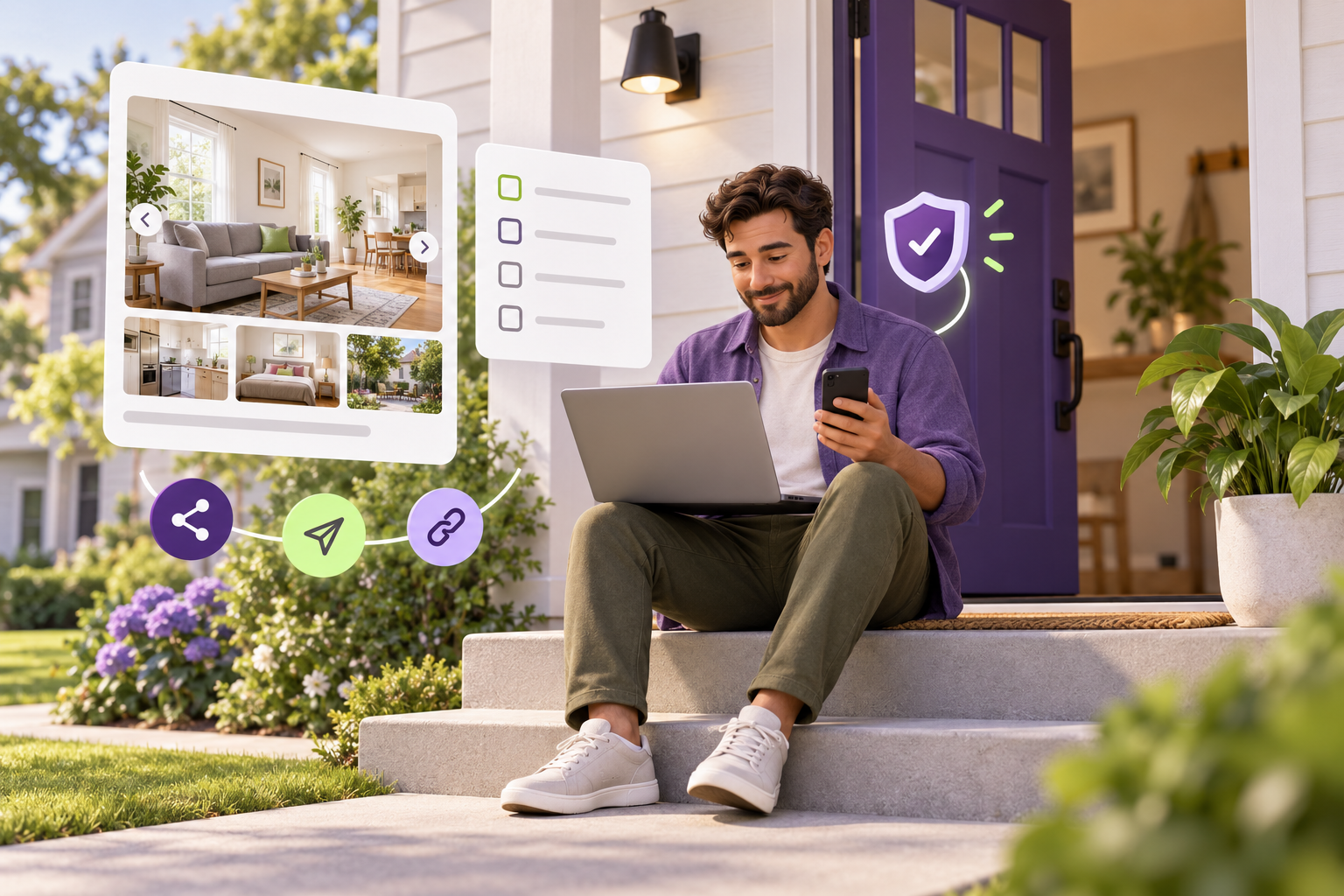
For a step-by-step plan to prepare, record, caption, and check a tour, read the virtual rental tour guide. Rentari's Photos step accepts YouTube, public Vimeo, and Matterport tour links, but does not accept direct video-file uploads. See the Rentari listing steps and supported formats.
Your next-step checklist
- Film a clear room-by-room route
- Identify model or outdated footage
- Test access on mobile
- Protect personal and security details
The Rentari team writes and updates this guide. Examples illustrate decisions and do not describe customer results. Found an error or an unclear step? Send a correction with a link to this page and the wording you’d change.