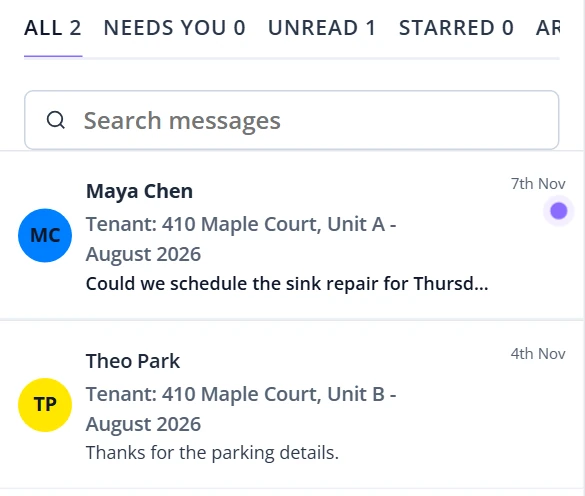
One Inbox For Every Thread
Tenants, applicants and maintenance requests share one list. Search, or switch between All, Needs you, Unread, Starred and Archived.
Tenant Messaging
Reply to tenants, applicants and maintenance requests from one inbox. Choose app, email or text for each message, and keep every thread with its rental.
What You Can Do
Tenants, applicants and maintenance requests share one list. Search, or switch between All, Needs you, Unread, Starred and Archived.
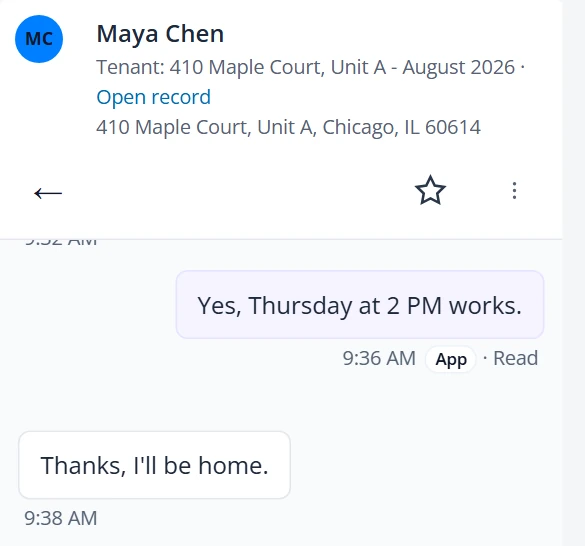
Each thread shows the renter and rental. Every message you send shows the channel it used and its status, such as Sent or Read.
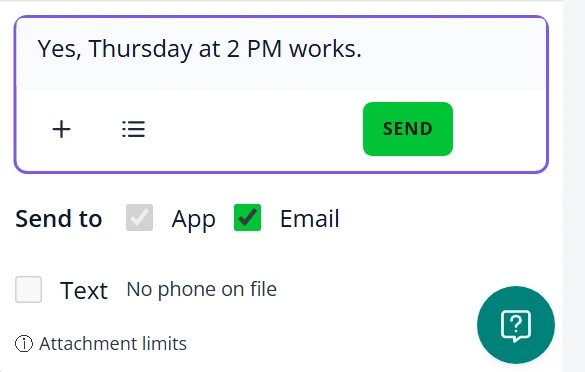
Choose the channels for each message. Texts go only to a phone on file with consent, and a renter can reply STOP to opt out.
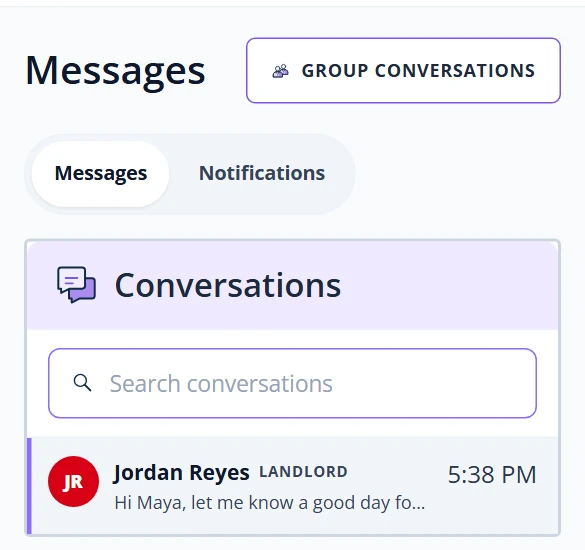
Renters read and reply in the tenant portal, with conversations, account notifications and group conversations together.
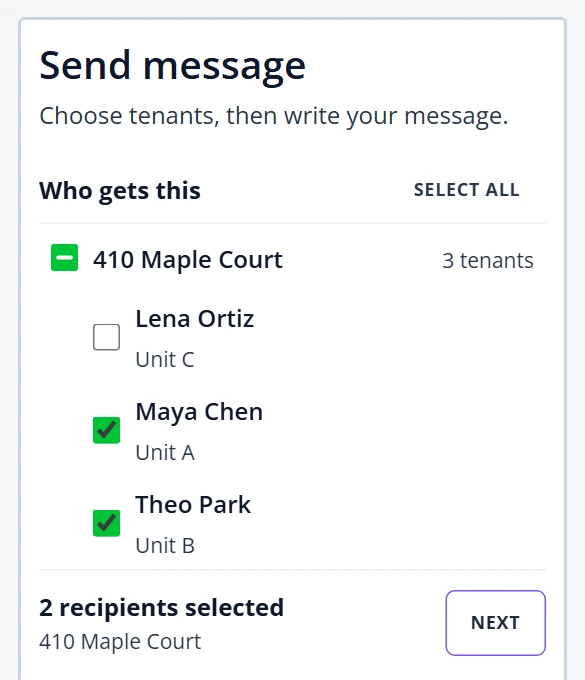
Pick tenants with a current lease and send one update. Each renter gets it by email and in their portal thread, and replies come back one to one.
Prepare a tenant updateIn Every Thread
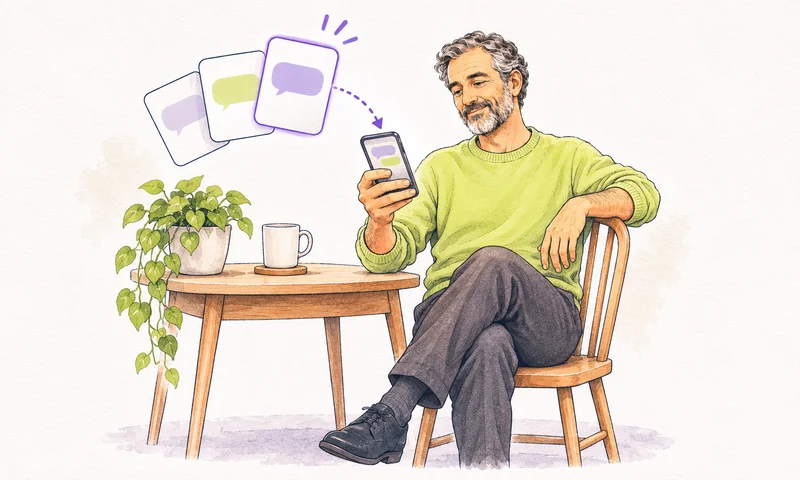

Save the replies you send often. The renter’s first name, full name and address fill in for each conversation.


Get a suggested reply in the composer to edit before you send. Rentari AI can also summarize a long thread and point out the ones that need you.
Available on paid landlord plans. Compare plans.
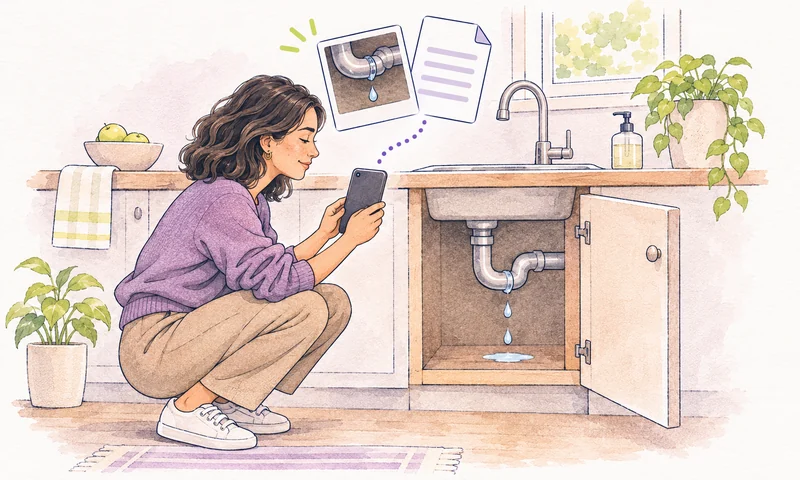

Share a photo, PDF, document or short video, up to 20 MB per message, in conversations that accept files.
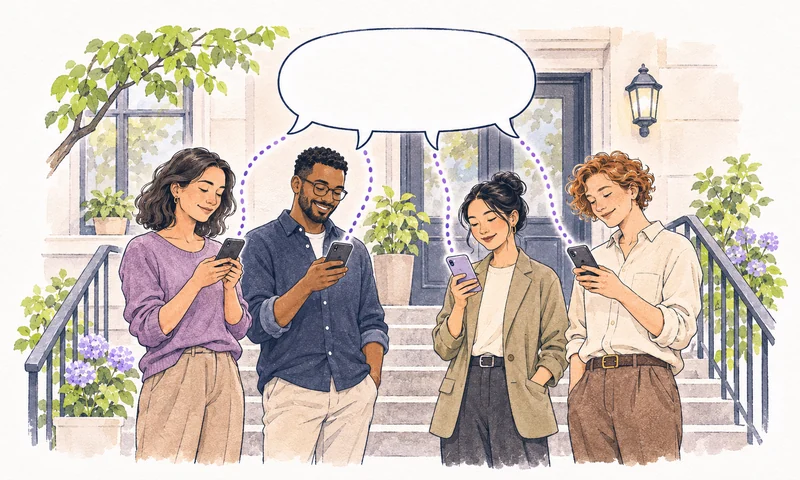

Start a group with 2 to 20 renters on active leases. You manage the members; renters can reply or leave.
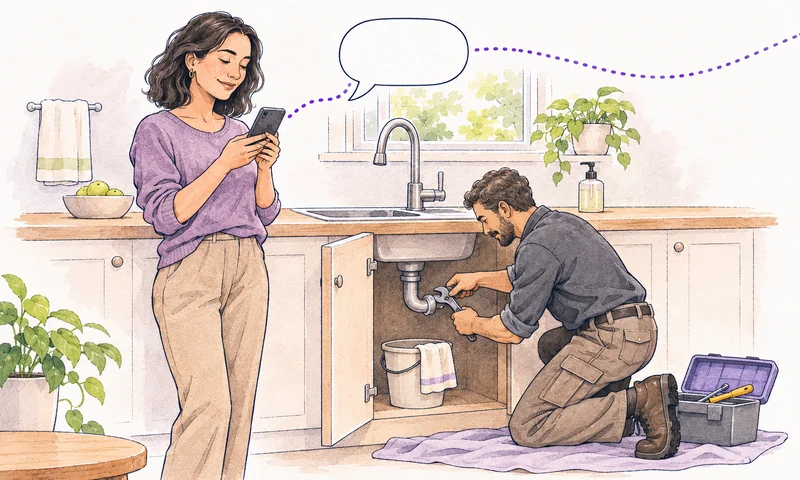

Request threads appear in your inbox and the renter’s. Notes on a request stay private unless you share them with the tenant.
Explore maintenance requests

Star, archive, mark unread or assign a thread to a teammate. Export conversation opens a printable copy of the stored thread.
Messages do not replace emergency response, a required notice or a signed agreement. Arrange those separately.
Messaging Questions
Renters with a phone number on file who agreed to get texts. The first text explains how to opt out, and a renter who replies STOP stops getting texts. Email and the portal inbox stay available.
No. It fills the composer with a suggested reply. Check the renter, rental, dates and attachments, then choose Send yourself. AI features are available on paid landlord plans; compare plans and fees.
No. You create groups and manage members. Members are email-verified renters on an active lease, and they can reply or leave the group. Keep payment, screening, medical and other private matters in one-to-one threads.
No. Each renter gets their own copy by email and in their portal thread, and replies come back to you one to one.
The printable copy reflects the conversation as stored, including deletion labels and available attachment links. It does not capture outside communication or prove that a recipient received, read or agreed to a message.
Both share the same inbox. For inquiries about available rentals, explore the AI Leasing Inbox.
Your Next Conversation
Read the renter’s question and send the next reply.
Open tenant messages