Rental property management software for every door you rent out.
Rentari is rental property management software for single-family homes, apartments, condos and rooms. Each rental keeps its own listing, lease, rent ledger, repair history and documents, and the portfolio view shows what needs attention today.

Bring the photos, rental details and first conversations together.

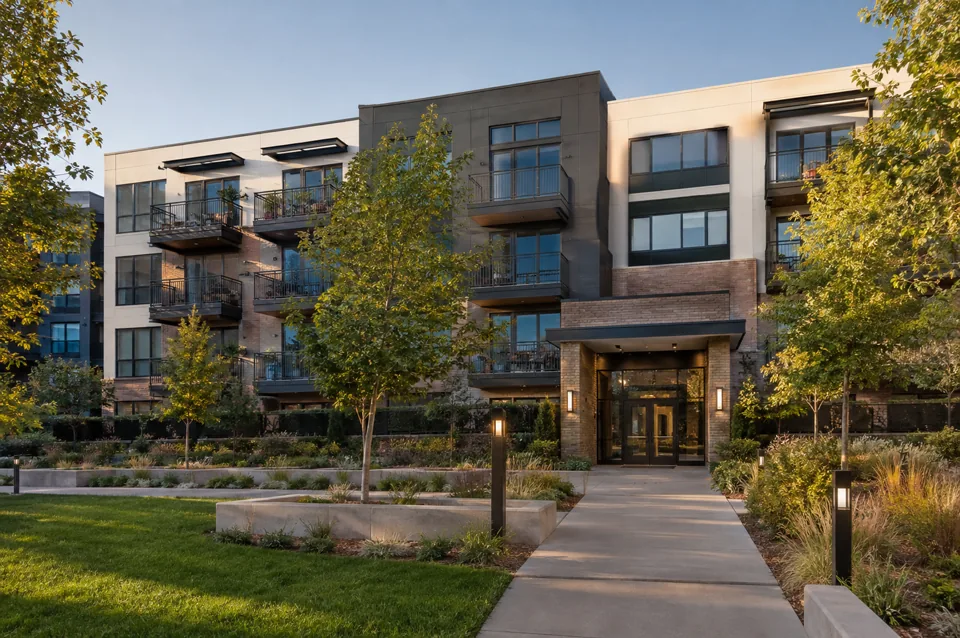
Keep applications, lease preparation and documents connected to the rental.
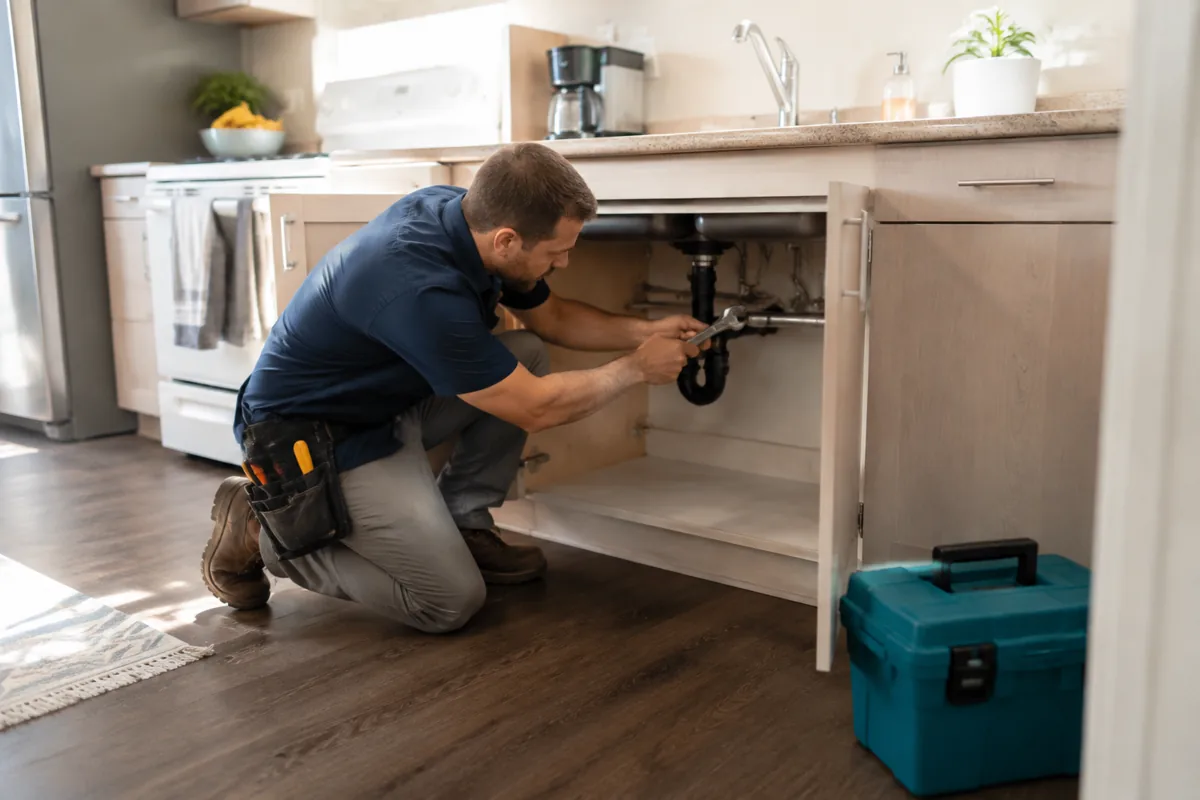
Follow rent, conversations and repairs from one place, with AI help along the way.
One record for each rental, from vacancy to renewal.
Add a house, a building with units or a home rented by the room. Each rental holds its address, photos, listing, applicants, lease and tenants, so the history stays with the property when tenants change.
The dashboard shows vacant rentals, leases ending soon, rent owed and open repairs across the portfolio. Properties and units are unlimited on the Free plan.
Rent collection and accounting in the same place.
Paid plans collect rent online for $6 per bank payment or 3.49% by card, with permitted payer choices, autopay for tenants who opt in and late fees posted to the ledger. Free online collection is marked coming soon.
Income and expenses are recorded by property, with reports and Schedule E tools on paid plans. Review categories and reconcile the period before you share a report with your tax preparer.
Leasing and maintenance without the back and forth.
Online applications, screening reports and state-specific leases with e-signatures move a renter from inquiry to signed lease. Screening charges and the payer are shown before a report is ordered.
Tenants send repair requests with photos, and you assign a vendor and record the cost. Mozart, Rentari's AI assistant, drafts messages and notices for you to approve before anything is sent.
What to check in rental property management software
- Property fit: confirm it handles your rental types, such as single-family homes, multi-unit buildings or rooms, and the number of units you own.
- Total cost: add the subscription for your unit count to payment, screening and signing charges, and note the billing term.
- Daily work: try listing a vacancy, recording rent and closing a repair request before you move your records.
- Records: open the rent roll, ledger and tax reports, and confirm you can export them.
Compare the same tasks in each product on your shortlist. The comparison hub reviews other providers from their own published information, and Pricing lists every Rentari plan and fee.
Rental property management software questions
What is rental property management software?
It is software that keeps the listings, tenants, leases, rent, maintenance and financial records for rental properties in one system, so an owner or manager can see the state of every rental and act on it.
How many rental properties can I manage in Rentari?
Properties and units are unlimited on the Free plan. Paid Prime covers up to 10 units for $120 a year, and Scale adds $24 a year for each additional unit. Other limits, such as active leases on Free, are listed on Pricing.
Does it work for single-family homes and apartments?
Yes. You can add single-family homes, condos, multi-unit buildings and homes rented by the room. Check the Solutions pages for the setup that matches your rental type.
Can tenants pay rent online?
Yes on paid plans, where tenants can pay by bank transfer or card and opt in to autopay. Online collection on the Free plan is marked coming soon. Fees and payer choices are on Pricing.
Bring every rental into one workspace.
Create a Free account and add your first property in a few minutes. Check current plan access and separate charges on Pricing before relying on a workflow.
No credit card to start. See current paid plans and separate charges.