Save Time & Effort
How Rental
Advertising Works
Create a professional rental listing and share it by email, text, or on social media. With Prime or Scale, submit it to eligible sites across a network of 25+ rental websites, all from Rentari.
Publish on Rentari for free. Review your ad before it goes live.


 2
 2
Your home. Ready for its next chapter.
01 Add Your Property
Start With
Your Rental’s Details.
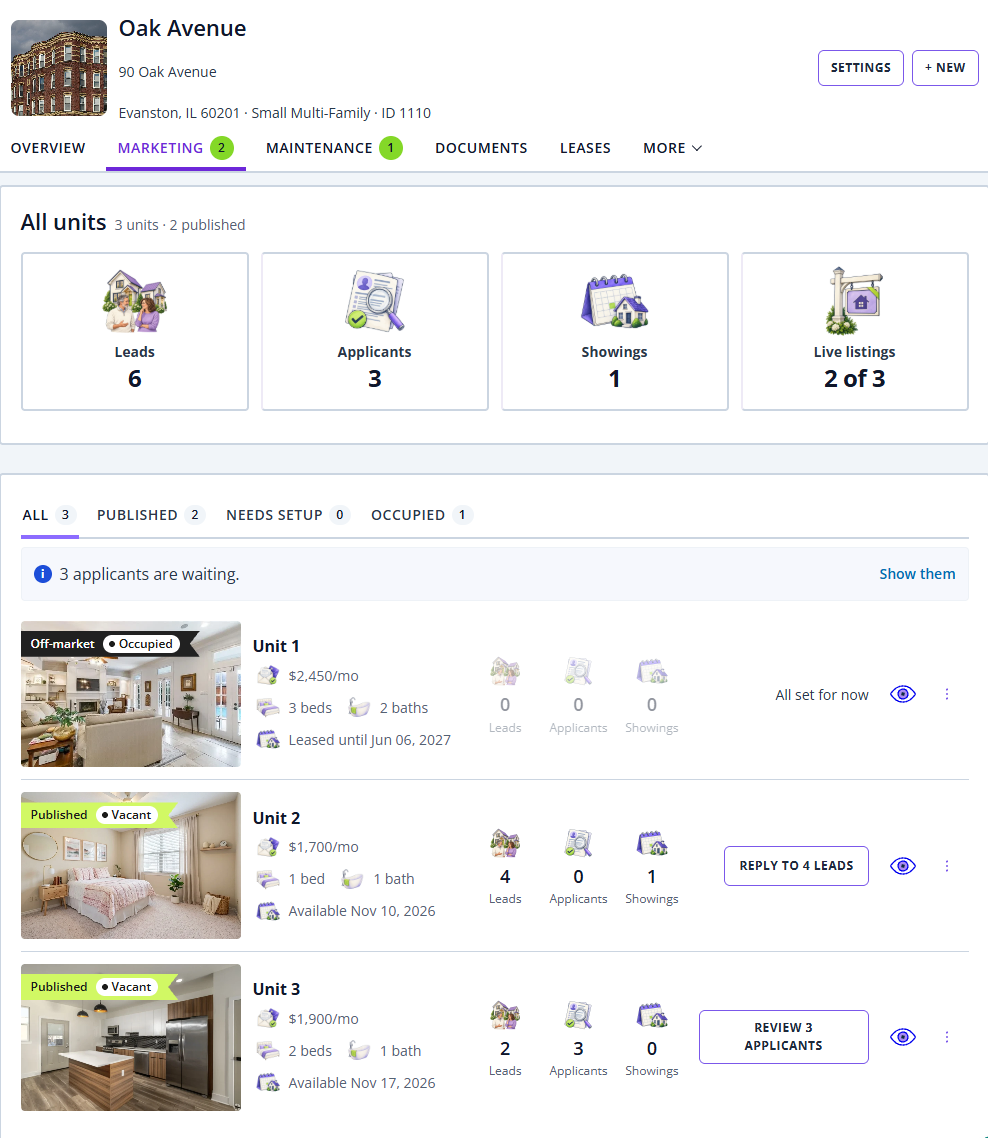
Add your rental once. Choose the property type and select the address from the suggestions.
Then add beds, baths, square feet and amenities. Your AI listing draft starts from these facts.
02 Prepare Your Ad
Easily List Your
Property for Rent.
Your listing, written with AI. Enter your rental’s details and generate a compelling title and description with a click.
Add photos, rent, availability and amenities. Let AI turn those details into a draft, then make it your own. Select the AI sparkle to try again, and review your listing before publishing.
03 Review & Publish
One Rental.
More Places to Find It.
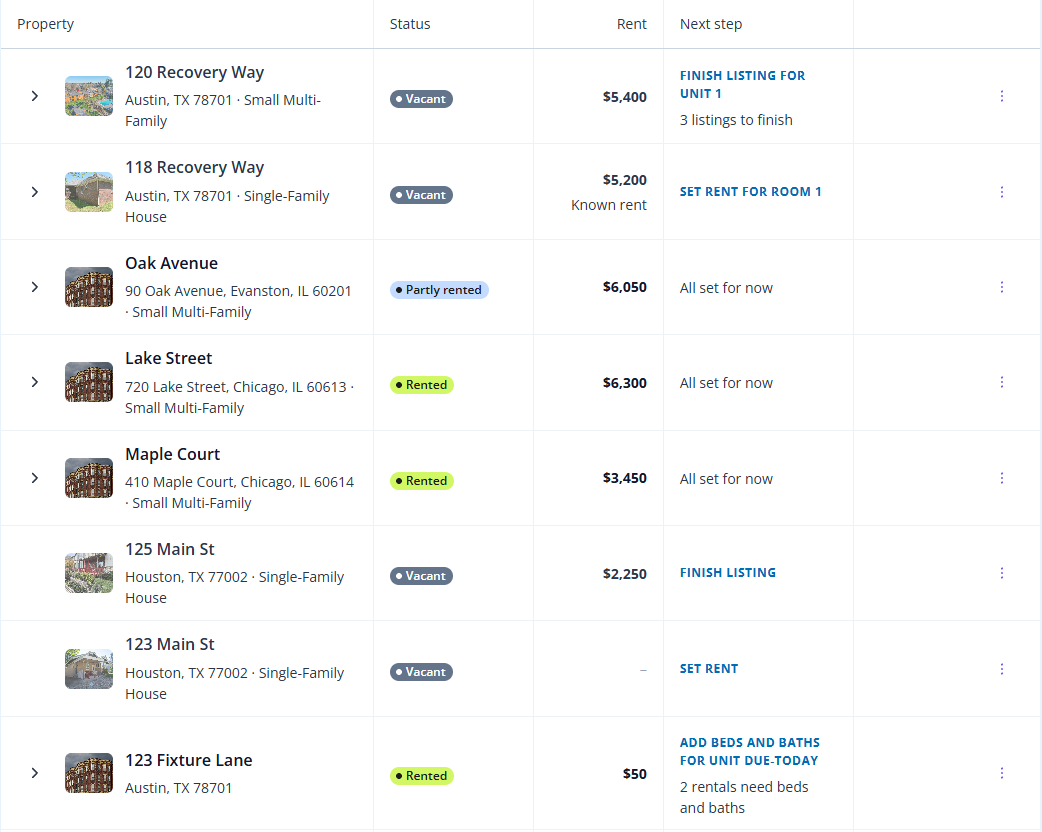
Review photos, rent, required charges, availability and contact details. Choose a plan, select Publish listing and verify your phone if prompted.
Open your public listing to see what renters see.
See how to publish on your phoneShare one listing across eligible rental sites.
04 Share Your Listing
A Link Worth Sharing.
A Home Worth Seeing.
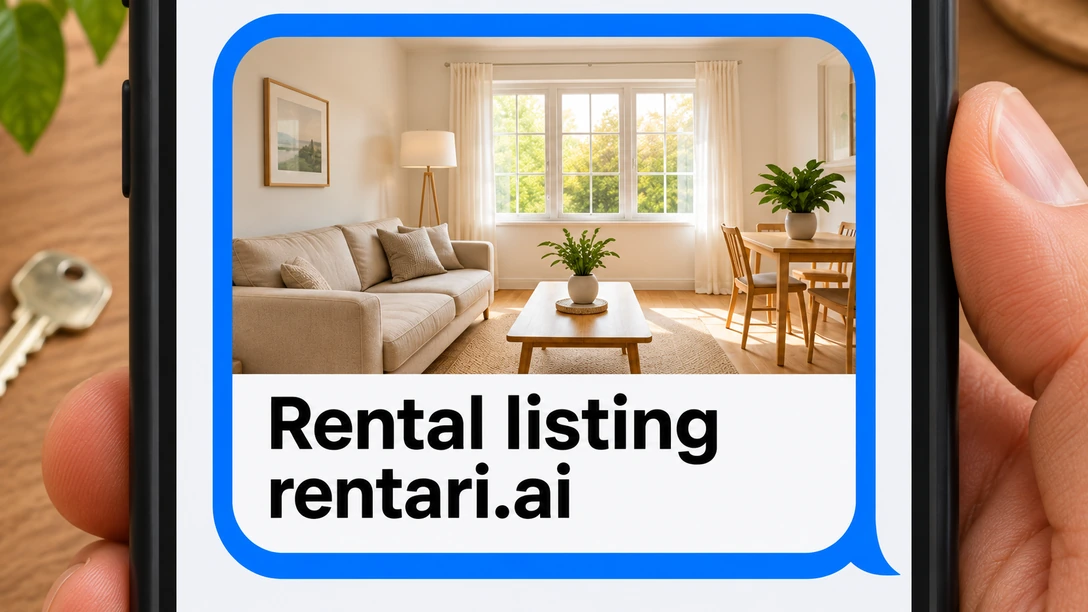
Send the listing by text, email or social post. Renters can see the photos, ask a question and request a tour from the same page.
In Marketing, open More listing actions. Under Listing, choose Copy link.
From the Screen to the Street
One Scan.
The Whole Listing.
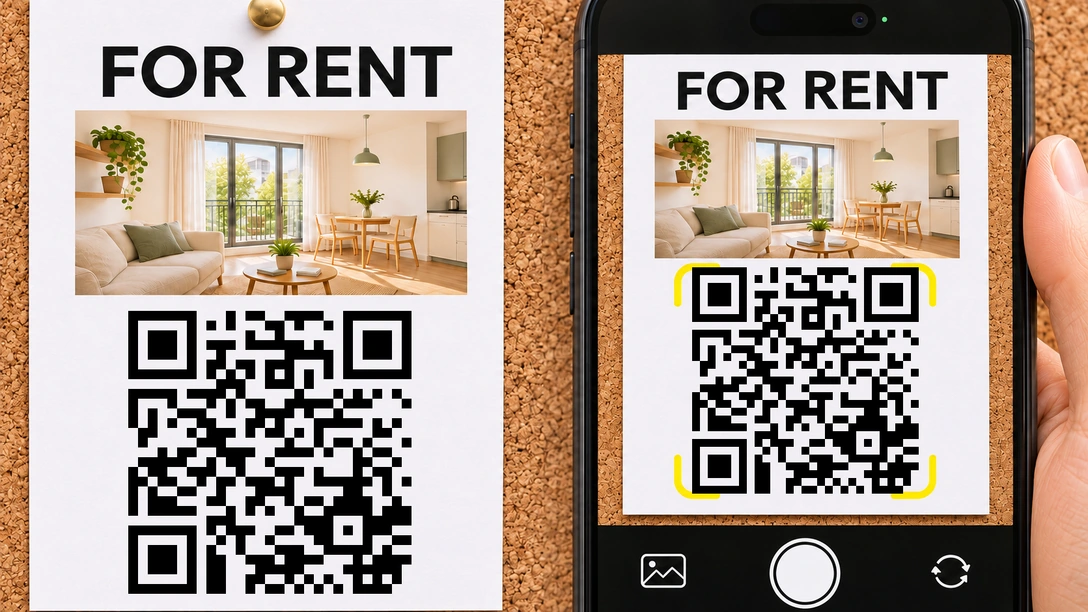
A printed flyer connects people at the property to the same rental page, with a QR code they can scan on their phone.
In Marketing, find Fliers under Other marketing tools. Select Preview flier, check the details and scan the code. Choose Print / save PDF to make your copy.
05 Message & Schedule
From First Message
to a Confirmed Showing.
New inquiries arrive in Messages. With AI replies on, Mozart can answer questions and share your available showing times. The renter requests a time, and you confirm it in Showings.
After the showing, invite the renter to apply. An inquiry or showing request is separate from a submitted application.
02 · New Inquiry
Landlord Dashboard
Unit 4B · From Zillow
03 · Mozart AI
Messages
-
Maya
Can I tour Unit 4B on Saturday?
-
Maya
10:00 AM works for me!

04 · Schedule
Request a ShowingMaya Chen · Unit 4B05 · Showings
Showings CalendarBefore You Publish
A Few Good
Questions.
What to know about advertising your rental.
What should I check before I publish?
Confirm the unit, photos, rent, availability, required charges and contact details. Review AI suggestions for accuracy. Describe the home and its amenities, and use consistent, lawful questions and criteria. Software does not determine legal compliance or applicant eligibility.
Read the listing review guide and screening process for fair housing, privacy, consent and human review.
What if my rental isn’t appearing on a site?
Check the correct unit, its saved details, submission status and the external listing before resubmitting. A pending review has no guaranteed publication date. Follow the publication guide.
If it is live, compare inquiries, showings and applications to see where renters stop. Recheck asking rent against similar homes; demand varies by rent, location and season.
Can I use my company name and domain?
Explore custom rental websites for your branding and domain. Individual rental pages can also be shared by link.
What happens after an application?
Review the application and, with the applicant’s consent, request screening. Reports have a separate fee. Eligible paid plans include the lease builder and signature requests. Once the lease is in place, you can set up rent collection.
How do I stop or restart advertising?
When the vacancy is filled, mark the rental off market or rented and remove posts you made elsewhere. For a new vacancy, update the details and use Publish or Renew when offered. Verify each destination again. Reusing an ad does not renew a lease or guarantee a higher position.
See stop or reopen marketing and renew a listing.
How do I compare advertising plans?
Compare the current plans and fees for the same rental. Check eligibility, how publication is confirmed, inquiry handling, and how you update or remove a listing. A larger network does not guarantee more inquiries or a faster lease.
Compare Rentari with RentRedi, Rentec Direct or Buildium.
Your Next Chapter
Give Your Next Vacancy
a Place to Start.
Have the address, rent and photos handy. Start or resume your listing, then review it before you publish.
Start free. See plans and separate service fees before choosing wider advertising.