From a tenant photo to the right vendor.
Review a tenant’s leaking-sink photo and the AI summary. Confirm the urgency, coordinate a qualified plumber and access, then record the actual work and invoice.
Built for landlords and property managers who handle their own repairs.
- Request details
- AI repair summaries
- Your approval

Confirm the issue and urgency before relying on the AI summary.

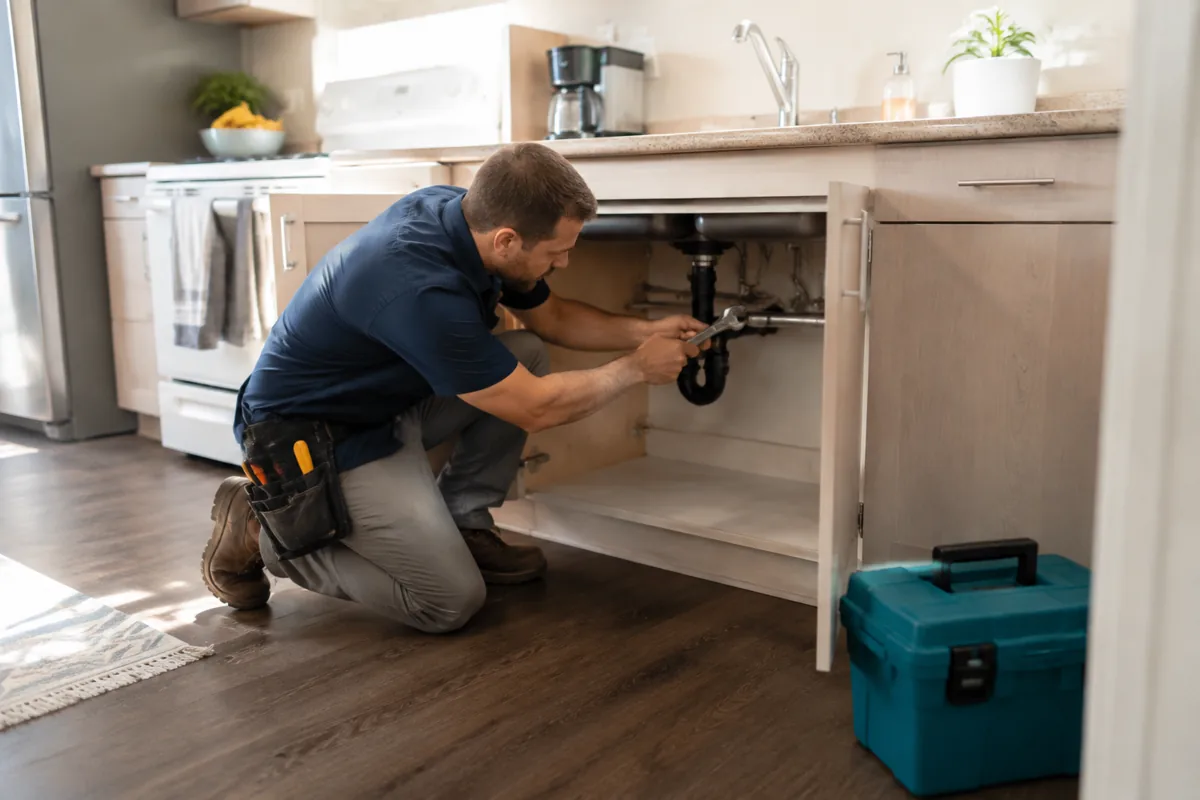
Agree the scope, cost and access with qualified help.

Check the finished work and retain the invoice and repair history.
One photo becomes a card you can act on.
Review the recorded issue, location and photos with any available AI summary, suggested urgency, estimated cost range and trade. The summary is based on reported information and can be wrong; it is not an inspection or a professional quote. Confirm the actual request and use immediate local help for an emergency.

Review the vendor and confirm the visit.
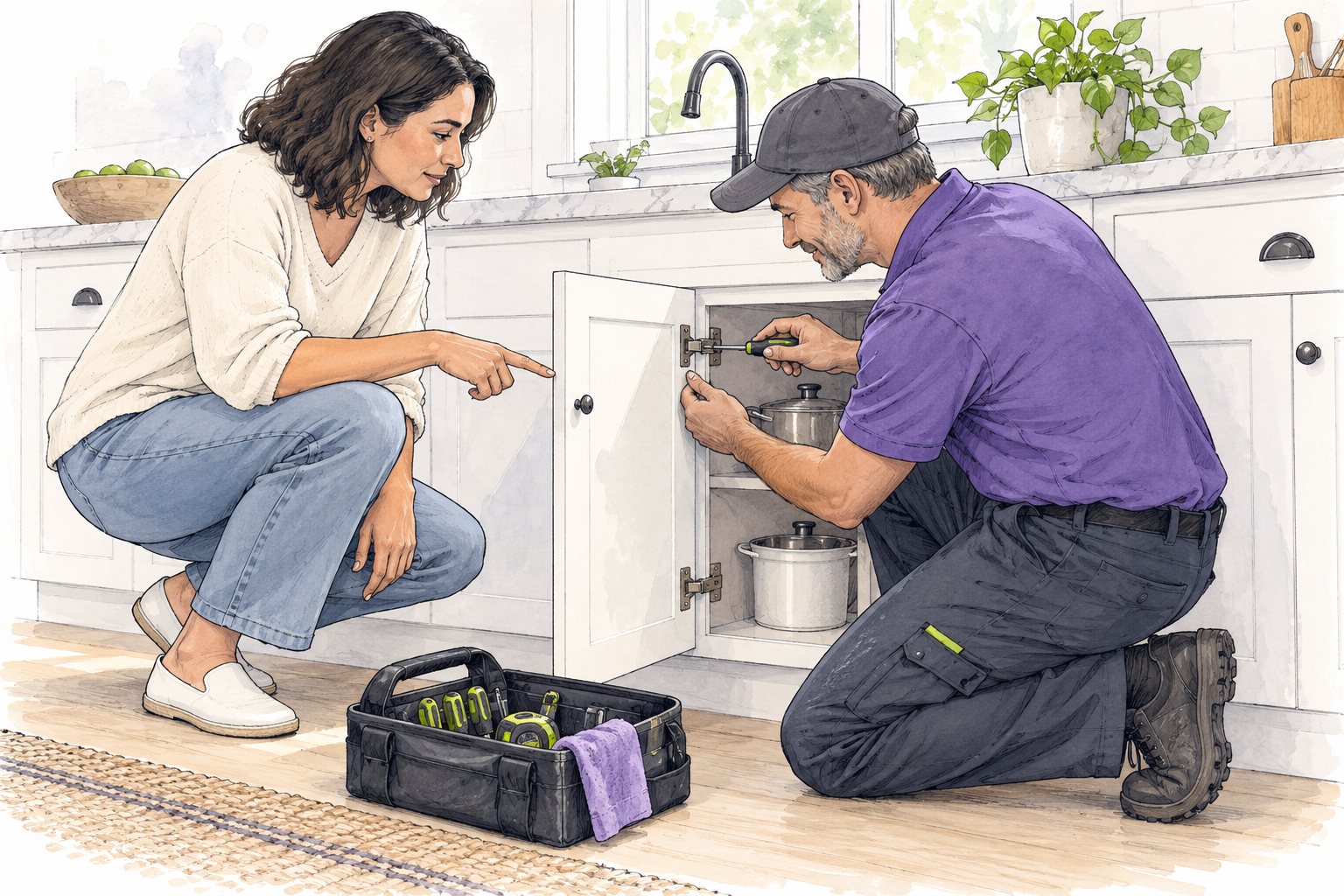
Review the suggested professional and the job evidence available, then confirm qualifications, scope, quote and availability for this repair. Use the work-order guide to review the intended recipient and message before sending. A sent order is not an appointment or completed repair. Follow current visit coordination: confirm timing and access directly with the people attending, then record changes and follow-up on the request.
The door is handled without a key handoff.
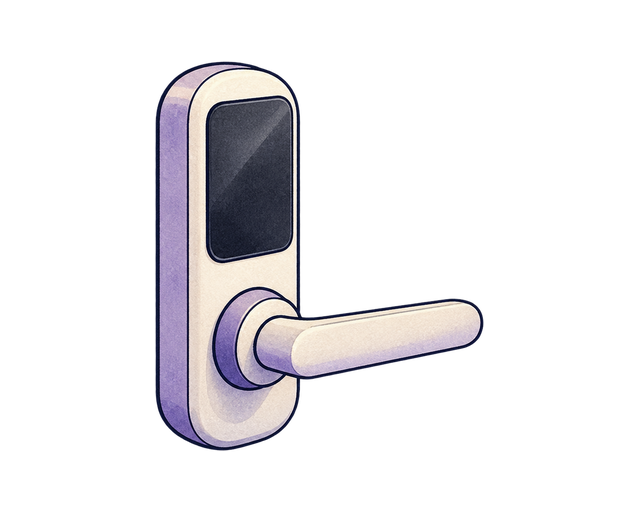
The tenant keeps their own code tied to the lease. When you approve a vendor, a separate 4-hour code opens the door for the visit and then stops working. Every time a code opens the door, it is logged to the ticket, who entered and when.
Every open job, already triaged.
Requests arrive sorted by urgency, with the right trade suggested and the tenant kept in the loop.
Maintenance questions
Should I wait for an AI reply in an emergency?
Does a work order or door code authorize entry by itself?
Does a resolved status prove the repair is complete and paid?
Send it a maintenance message.
Type what a tenant would text you at 2am. The AI triages the severity, drafts the reply, and says what happens next.
Nothing here is saved, sent or charged, and no real tenant, applicant or vendor is involved. It runs the same models the product runs, so it is rate limited per visitor.
Let the next photo triage itself.
Open the demo and send a maintenance photo. Watch the AI name the issue, score it, price it, pick a scored vendor, and stage a timed door code, the whole path, in under a minute.
From $120 a year for up to 10 units.