






 1240 Vine Street, Unit 4B
 18 Oak Lane
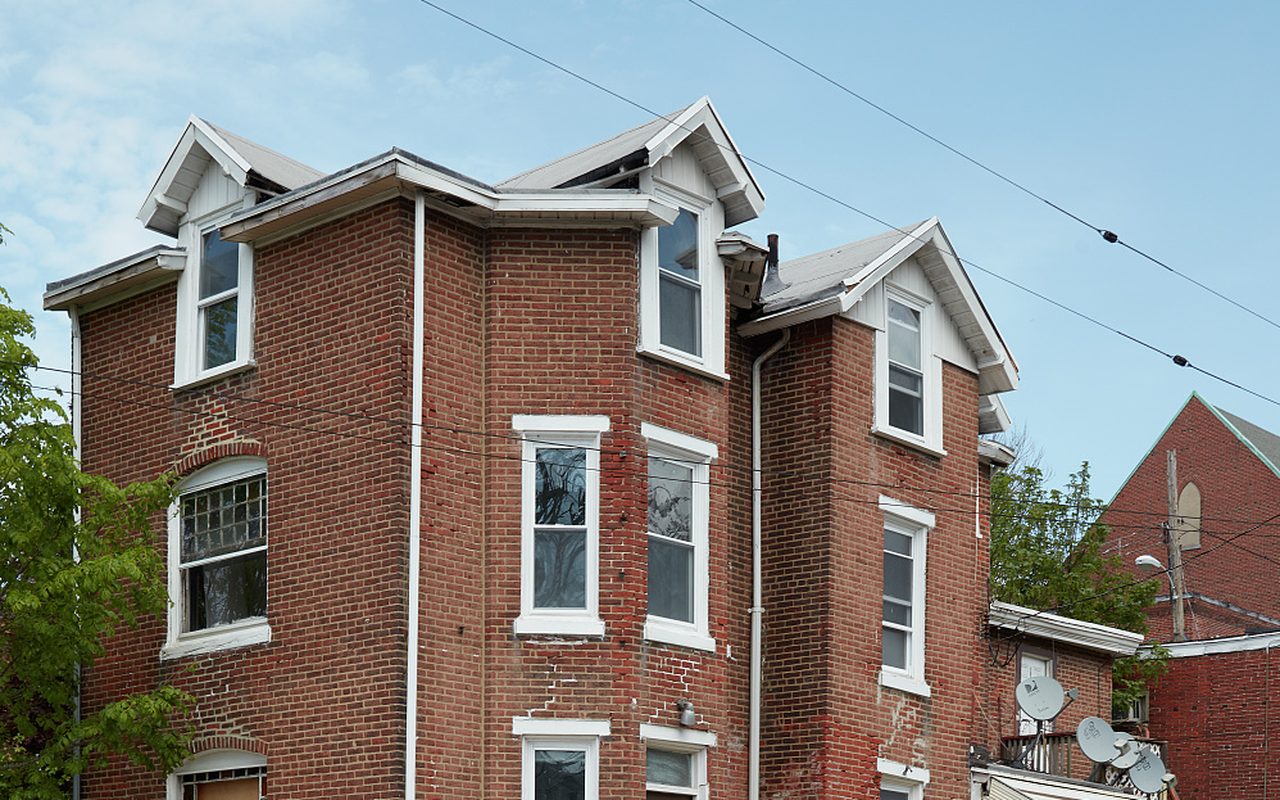 7 Birch Road, Room 2
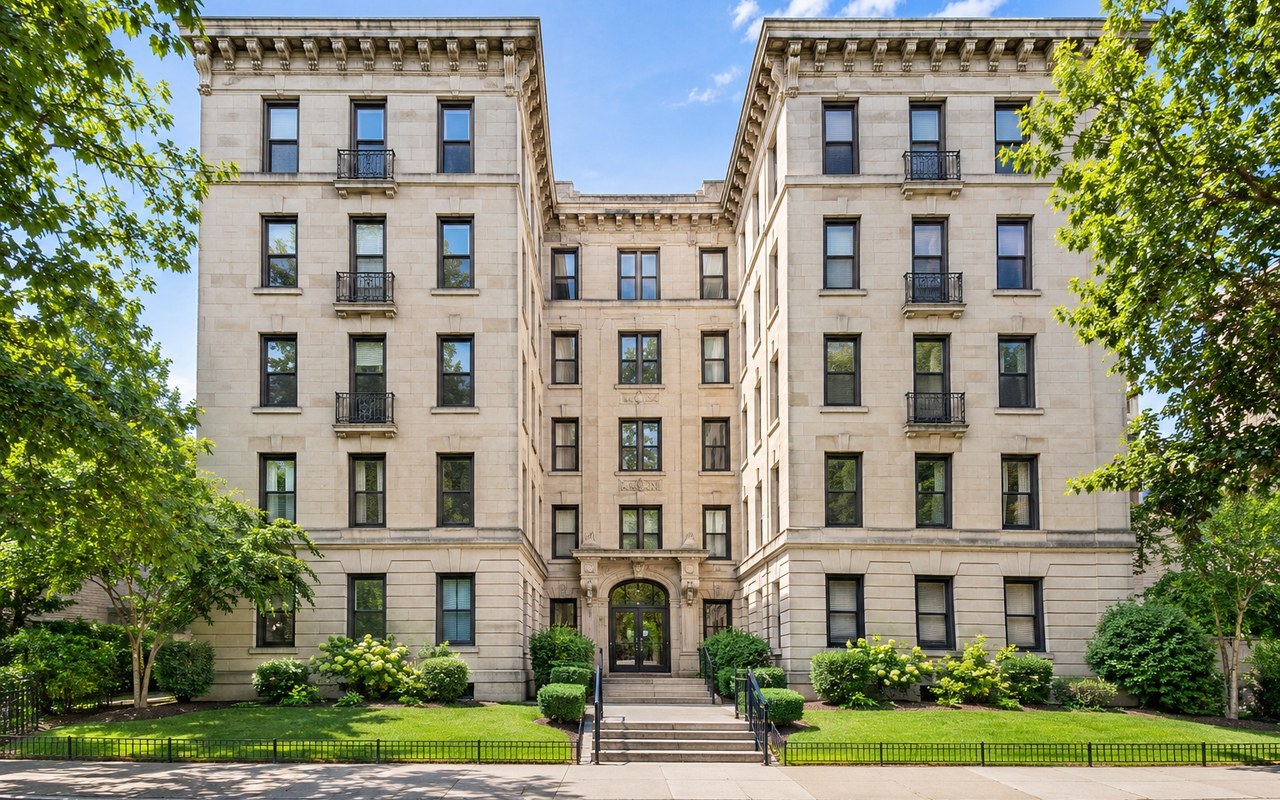 52 Elm Court, Apt 2


Free account
$0/ forever
- Lease builder for every state
- Draft and preview leases
- 1 active lease
- Sending for signature not included
Rental Lease Agreements
Fill in your rental’s details, add the addenda you need and send the lease for e-signature. Track every signer, then let Rentari set up the move-in charges.

 Residential lease
1240 Vine Street, Unit 4B
Upcoming
Choose Your Lease
Already have a lease? Upload your PDF, place the signature fields and send it. Send your own lease
01 Fill In the Details
The lease builder brings in the property, renters, rent and dates. Then it walks you through six sections:
Preview the full lease at any time, and save your terms as a template for the next one.
02 Add Addenda
Choose from 12 addenda, from pets and parking to an early termination fee. Each one fills in from the lease, so the names, address and dates match.
Add co-signers and extra signers, and attach your own documents to the package.
03 State Check
The builder follows the rules for every state and DC, plus local rules in cities such as Chicago, New York City and Seattle. Required disclosures are added for you.
When you send, the lease is checked again. A problem that must be fixed stops the send; anything else shows as a note for you to review.
Have a lease from somewhere else? Run a free lease audit.
04 Sign Online
Choose who signs first. Renters review and sign in their browser on any device, with no app to install.
Rentari sends signing reminders until everyone has signed. The signed PDF includes an audit trail of each view and signature.
05 Track Every Lease
Every lease shows its status and one next step. Needs attention and Expiring tabs gather the leases that need you.
Fixed-term leases come up 90, 60 and 30 days before they end, so you can offer a renewal in time.
After It’s Signed
When the last signature lands, Rentari creates the deposit and the first month’s rent, prorated when the lease starts mid-month. Rent then posts each month.
Tenants see their lease, documents and signing history in the tenant portal.
By State
A lease guide for each state: its clauses and disclosures, with links to the statutes behind them.
No state matches that name.
These guides are general information, not legal advice. Check the actual jurisdiction, property and agreement; get qualified local review for uncertain requirements.
Rentari Pricing
Build and preview your lease on the Free plan. Upgrade when you are ready to send it for signature.
Compare all plans and fees$0/ forever
$120/ year
Annual billing shown for Prime. Larger portfolios have their own tiers.
I just review and tap approve. Nothing goes out until I say so.
 Verified Customer6 units · Chicago, IL
It prepares the work; I make the calls that matter.
Verified Customer4 units · Austin, TXRentari.ai provides impressive AI automation for lead capture and tenant background checks.The reviewer also notes limits outside Western markets.
Verified CustomerLease Questions
What to know about rental leases.
The lease builder uses the rental’s location when preparing the draft and relevant disclosures. Review the terms and any local requirements before sending. Read the state-specific lease support guide.
The library includes fixed-term and month-to-month lease workflows, a general Room Rental Agreement form, and the option to upload an existing document for signing. Review it against the actual arrangement and local requirements before using it. Preview the room-rental form or read the room-rental checklist.
Work through the property and term, rent and deposit, people, pets and smoking, utilities and services, and additional terms. Add the details that apply to your rental and review the resulting draft.
Yes. Edit draft clauses and keep versions before finalizing. Lease-audit findings help you review the wording; you choose which changes to use.
Yes. Upload your document, prepare the signature fields and choose the signers. Explore e-signature.
Sign before the invitation goes out or after your tenants. Your signers receive a link to review and sign in the browser, and you can follow their status.
Sending for signature is included on paid plans. The free plan does not include sending for signature.
Open the completed document and its signing activity from your rental documents. You can also prepare an addendum when you need an update to the agreement.
Electronic signatures are recognized: the federal E-SIGN Act says that in a transaction affecting interstate commerce, a contract or signature may not be denied legal effect solely because it is electronic (15 U.S.C. 7001). That law does not cover notices of default, eviction or the right to cure under a rental agreement for a primary residence (15 U.S.C. 7003), so deliver those notices the way your state’s law requires.
People use the words loosely. A lease usually means a fixed term, such as 12 months, and a rental agreement usually means a periodic tenancy, such as month to month. Rentari builds both.
No. Deposit limits, notice periods and required disclosures differ from state to state. Rentari builds each lease for the state where the rental is, with that state’s clauses and addenda; find your state.
The parties and the property, the term, rent and fees, the deposit, utilities, repairs and entry, pets, smoking and parking, notices, and the disclosures your state requires. The Rentari lease covers each of these for the rental's state.
Use an addendum that both sides sign. Rentari can prepare an addendum for a rent change, a term change, pets, parking, an added occupant, early termination or your own wording, and send it for signature.
It renews each month until either side gives the notice your state requires, and some states also set a notice period for rent increases. The month-to-month guide lists each state’s rule.
Each state’s law page lists its landlord-tenant rules with the statute beside each rule, linked to the legislature’s own site. Start from State laws.
Each state’s lease page lists the clauses and disclosures the Rentari lease carries for that state, each with its statute; find your state.
Many landlords use a state-specific lease for a standard rental. For an unusual property or a dispute, talk to an attorney licensed in your state; Rentari's pages are general information, not legal advice.
No. The workspace and completed record use fictional details. Your selections only change this page's preview.
No. Naming an attachment describes it but does not upload its file. Add the actual documents through the lease Summary attachment workflow, then reopen and inspect the prepared package before sending. Resolve missing files or conflicting terms first; changing a draft does not replace a sent or signed agreement. Read lease preparation.
No. Generation prepares the document for review and signer selection. Sending and each person's signing step are separate. Check the correct files, recipients, signing order and current access before sending. If payment or an error interrupts the send, inspect the existing request before retrying. Waiting on signers differs from Completed; review and retain the final record. Use signature preparation and status guidance.
Check the actual jurisdiction, property, agreement and term before choosing the signing method. Electronic format does not remove an applicable witness, notary, disclosure or other condition, and a signature alone does not certify enforceability. Obtain qualified local review for uncertain requirements and confirm the intended signers can access and retain the complete package. See the complete agreement preparation guide.
Your Next Lease
Bring the property, people and terms together, then preview the complete lease before anyone signs.
Free to draft. Online signing is included on paid plans.