Bring every bill
back to the books.
Start with a plumber’s bill. Check the rental, amount and payee, review the payment, then keep its ledger entry and supporting invoice together.
- Review bills
- Approve payments
- Connect the books
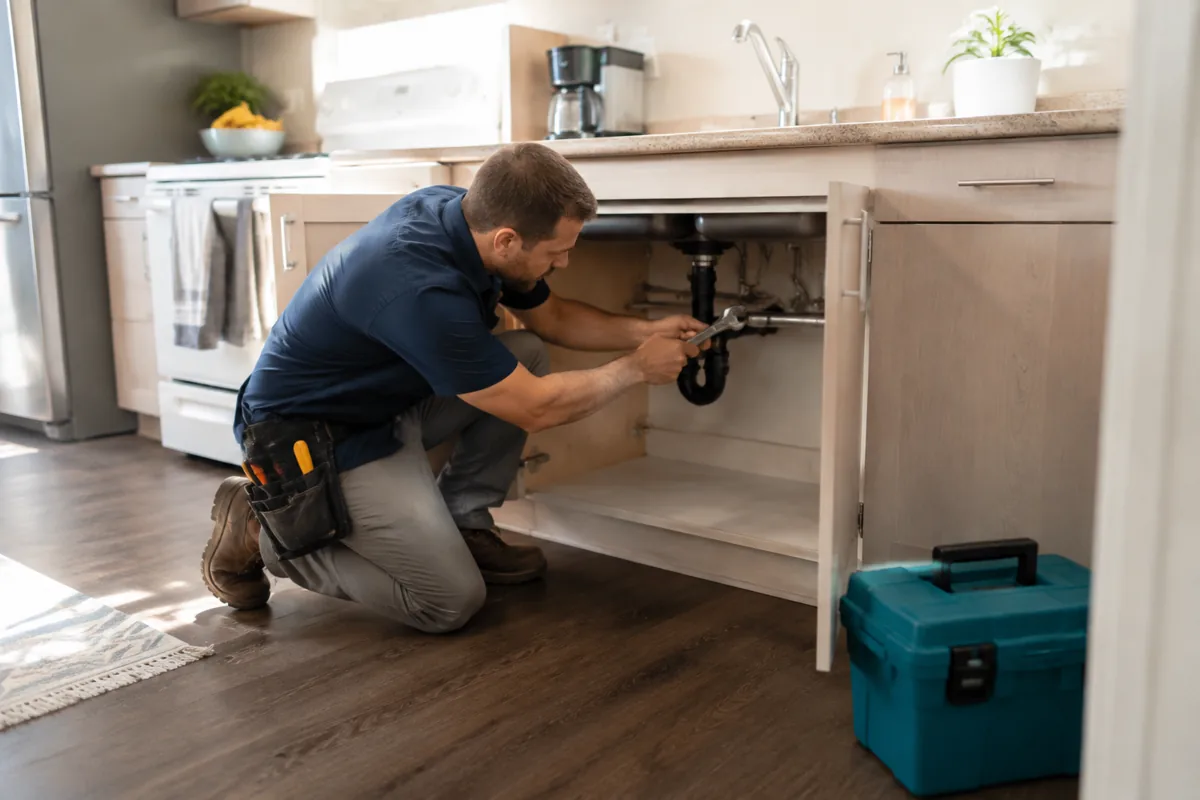
Match the rental, work description, amount and payee with your records.


Choose the available payment workflow and confirm the payee before approving.

Retain the invoice, payment status and ledger entry for the same rental.
Checks that print, and a sequence that cannot lie.
Record a check or cut them straight from the bills queue; either way the register consumes the next number atomically, so two people paying bills at once can never print the same check twice. Print the face and stub on standard stock. Void keeps the number consumed, the way an auditor expects.
Journal entries behind an approval. Cash behind a deposit slip.
Hand-keyed adjustments are drafted as balanced double entries, then wait as pending until someone approves them onto the books or rejects them with a written reason that stays on the record. The cash and paper checks that still arrive get batched onto a printable bank deposit slip, with each slip freezing its item list forever.
Back office questions
Does paying a bill update the books?
Can we print checks?
Who approves manual journal entries?
Is the chart of accounts fixed?
Run the whole book in one place.
Bills, checks, deposits, and journal approvals live beside the rent, the leases, and the AI that runs them.
Included on the paid plan. No bookkeeping add-on fee.