

 01
Rental advertising
Create your listing and keep property details ready to share.
Explore advertisingBest place to list your rental
Create one listing for a network of 25+ rental sites. Available sites vary by property. See your confirmed placements and manage inquiries, showings and applications in Rentari.

 ApartmentBright two-bedroom home
 $1,850 / mo
 2 beds
 1 bath



 RentZoobi





Bring the work of running your rentals together, from the first listing to applications, leases and ongoing maintenance.
Explore Rentari01Create your listing and keep property details ready to share.
Explore advertising 02
Follow up with interested renters and organize your showings.
Explore lead management 03
Keep applications and available reports together for your review.
Explore screening 04
Prepare your agreement and keep signed documents with the rental.
Explore digital leases 05
Track charges, payments and balances throughout the lease.
Explore rent payments 06
Organize renter conversations and maintenance after move-in.
Explore maintenanceTurn your property details into a title and description with Mozart AI. Start with your rental's features and let the writing tools help you put them into words.
Review the draft, check the facts and make it your own before publishing.
See The Writing Tools
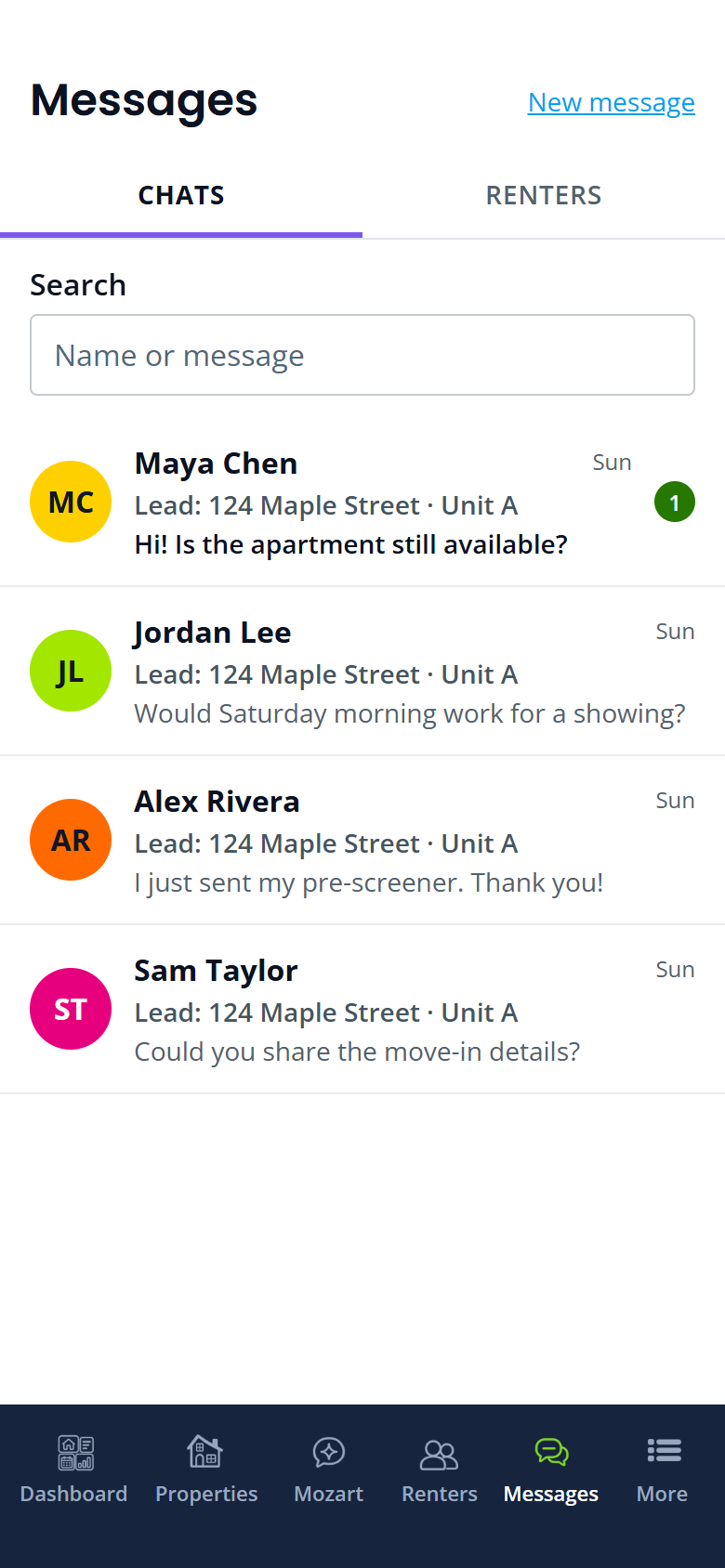
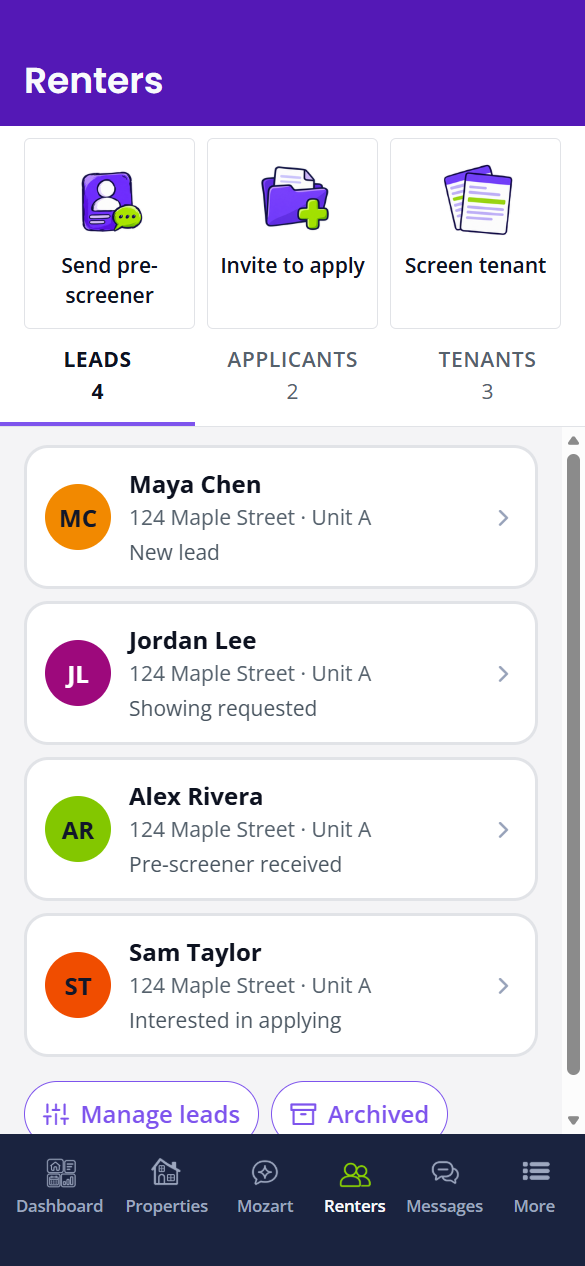
Give every inquiry a place to land. Keep leads, conversations and showing requests together instead of chasing scattered emails and text messages.
See who is interested in each rental, follow up with the right context and keep the next step clear.
Explore Lead ManagementSet the rent and lease dates, then send the agreement to your renter. See when they sign, add your signature, and keep the signed copy with the rental.
Explore E-Signatures Advertise your rentalTrack renter inquiries
 Schedule showingsReview applicationsSign the leaseCollect rent
I just review and tap approve. Nothing goes out until I say so.
 Verified Customer6 units · Chicago, IL
It prepares the work; I make the calls that matter.
Verified Customer4 units · Austin, TXRentari.ai provides impressive AI automation for lead capture and tenant background checks.The reviewer also notes limits outside Western markets.
Verified CustomerCreate your listing, connect with renters and manage what comes next.
Start my listingStart free. Review plan features and separate service charges on Pricing.