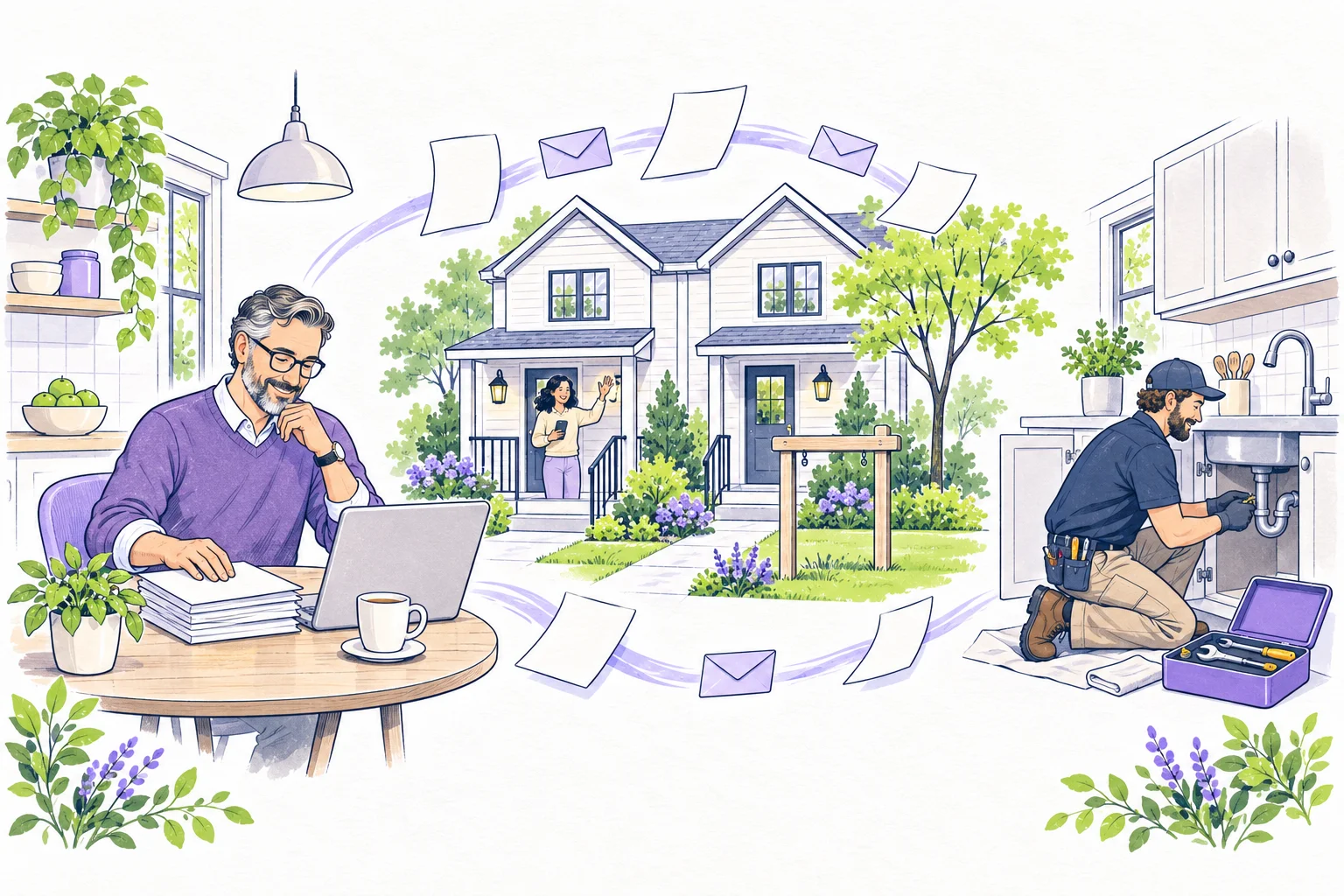
You can handle a lot of rental work from a laptop. The harder question is who can reach the property when a resident needs someone there.
Picture a resident calling because the front door won’t lock. You’re several hours away. You can answer the phone, look up the lease and create a repair request, but someone still has to secure that door.
That’s the part of remote management to work out first. List the jobs that need someone on site: tours, access problems, repairs, inspections and key handoffs. Give each job a primary contact and a backup before you need either one.
Give local help enough authority to act
Keep current contact details, service areas, availability and agreed responsibilities for local help. Confirm any licensing, insurance and local-agent requirements that apply. Set approval limits and escalation routes in advance, including what happens if you are unreachable.
Work through the door problem with your local contact. Can they attend at night? Who can approve the work if you miss the call? How will they get access? An automated acknowledgment is useful, but you still need to know that a person has accepted the job.
Make remote leasing easy to verify
Use current photographs and accurate property information. Make the genuine listing and contact route easy to verify. Coordinate tours through controlled access procedures; do not publish a reusable entry code in an advertisement or forward it to an unverified contact.
Keep applications and supporting records in an appropriate restricted channel. Use consistent criteria and a documented decision process. When an applicant supplies an existing screening report, check the portable-report intake requirements before requesting another payment.
For signing and payment, confirm the actual document version, parties, status and permitted method. A sent link is not a completed signature, and a payment initiation is not the same as a settled bank deposit. Resolve status questions from the relevant service records.
Send the contractor the details they need
A useful handoff includes the reported symptom, property and location, time observed, any safely obtained photos, access arrangements and the assigned responder. Separate a resident's observation from a contractor's diagnosis. Do not ask residents to perform hazardous troubleshooting to compensate for distance.
For immediate danger, residents should use appropriate emergency services and the property's urgent contact process. Routine message queues need a clearly explained alternative when waiting is unsafe.
If the first contractor declines, move the request to someone who can take it and tell the resident what happens next. Keep the promised update time on your calendar even while you’re waiting for an appointment. A task marked “assigned” can still be going nowhere.
Check what was fixed during the visit
Define what completion means before the visit: the repaired item, relevant testing by the qualified worker, photographs where appropriate and any resident follow-up. Keep invoices and access history with the task. If further work is required, create a dated next step instead of closing the record prematurely.
At turnover, have a designated person document condition, collect access devices and confirm readiness. The move-out documentation guide can help structure the record without assuming that every observed defect is chargeable.
Check the loose ends each week
Review requests awaiting acknowledgment, repairs without a next appointment, payment-status questions and upcoming lease events. Confirm backup coverage before travel. Keep access privileges limited to the people and periods that require them, and remove obsolete access after a role ends.
Before relying on the arrangement across several properties, follow one repair all the way through. Watch where you have to chase information or make an unplanned decision. Fix those gaps while the process is still small enough to understand.